


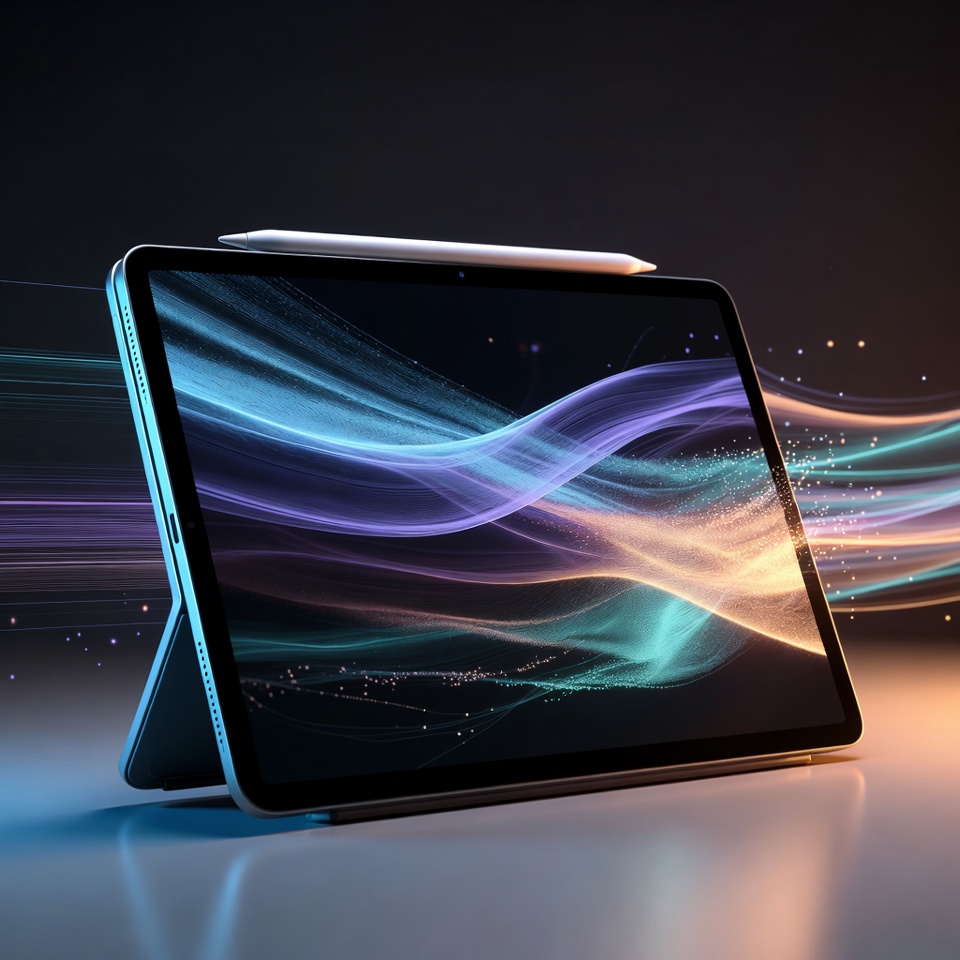
Apple’s 11-inch iPad Air powered by the M2 chip continues to offer an appealing balance between portability and high-performance computing, targeting students, professionals, creators and everyday users who want more capability than a conventional tablet without carrying a full-size laptop.
Australian retail item number 194222 has been identified as the Apple iPad Air 11-inch Wi-Fi 128GB with M2 chip. The model features a slim aluminium design, a high-resolution Liquid Retina display, Apple’s M2 processor and compatibility with accessories including Apple Pencil Pro and Magic Keyboard.
At the heart of the device is Apple’s M2 chip, incorporating an 8-core CPU made up of four performance cores and four efficiency cores.
The processor is paired with a 9-core GPU, 16-core Neural Engine and 8GB of RAM, giving the tablet significant processing capability for demanding applications, graphics-intensive workloads, creative projects and multitasking.
That level of performance makes the iPad Air suitable for considerably more than browsing the web or streaming entertainment.
Users can work with productivity applications, edit photographs and videos, create illustrations, manage documents and presentations, participate in video meetings and run multiple supported applications as part of a more desktop-style workflow.
11-inch Liquid Retina Display
The display remains one of the strongest parts of the iPad Air experience.
Apple equips the 11-inch M2 model with a Liquid Retina display featuring a resolution of 2360 × 1640 pixels at 264 pixels per inch.
The screen also supports P3 wide colour, True Tone, an anti-reflective coating and up to 500 nits of brightness, helping provide clear and colourful presentation for documents, photography, streaming, digital artwork and everyday use.
Its fully laminated construction contributes to the premium feel of the device, particularly when using an Apple Pencil for drawing or handwritten notes.
The 11-inch format also gives the iPad Air an important portability advantage. It provides significantly more working space than a smartphone while remaining compact enough to carry in a backpack or work bag.
128GB Storage for Everyday Work and Entertainment
The configuration associated with item 194222 includes 128GB of internal storage.
That gives users room for applications, documents, photographs, downloaded entertainment and creative files while keeping the model positioned as an entry configuration within the M2 iPad Air range.
For students and professionals who rely heavily on cloud storage or streaming services, 128GB can provide a practical balance between local capacity and portability.
Users managing very large video libraries, professional creative projects or extensive offline media collections may, however, prefer one of the larger storage configurations.
12MP Cameras Designed for Work and Creativity
Apple has placed particular emphasis on the camera arrangement of the M2 iPad Air.
The rear system incorporates a 12-megapixel Wide camera with an f/1.8 aperture, autofocus and support for digital zoom up to 5x.
It can record 4K video at up to 60 frames per second, making the tablet useful for capturing presentations, documents, creative footage and everyday video.
At the front is a landscape-oriented 12MP Ultra Wide camera.
Its position is particularly useful when the iPad is being used horizontally with a keyboard or stand, because the user appears more naturally centred during video calls.
The front camera also supports Center Stage, which can automatically adjust framing to help keep the user visible as they move during compatible video calls.
For professionals working remotely and students attending online classes, that landscape camera arrangement can make the iPad Air a more practical conferencing device.
Apple Pencil Pro Expands Creative Possibilities
Another major attraction of the M2 iPad Air is support for Apple Pencil Pro.
The accessory can transform the tablet into a digital drawing, handwriting and annotation platform for artists, designers, students and business users.
The iPad Air also supports Apple Pencil USB-C, giving buyers another stylus option depending on their needs and budget.
Combined with creative applications, the M2 processor and responsive display, Apple Pencil compatibility makes the iPad Air particularly useful for illustration, photo editing, handwritten study notes, document annotation and design concepts.
Magic Keyboard Brings a Laptop-Style Experience
For users who need to type extensively, the iPad Air can also be paired with a compatible Magic Keyboard.
The combination of physical keyboard input, trackpad support and iPadOS multitasking features can turn the device into a lightweight productivity workstation.
This allows a single device to shift between tablet-style entertainment and touch interaction during casual use, and a more traditional keyboard-and-trackpad workflow when work needs to be completed.
Accessories are sold separately.
Wi-Fi 6E and USB-C Connectivity
The iPad Air M2 supports Wi-Fi 6E, providing fast wireless networking when connected to compatible equipment and networks.
The tablet also uses USB-C for charging and accessories.
Apple’s specifications support DisplayPort and USB 3 connectivity through the USB-C connection, allowing the iPad to work with external displays, storage devices and various compatible peripherals.
The M2 model can support an external display at up to 6K resolution at 60Hz, increasing its usefulness for desktop-style productivity and creative workflows.
Touch ID Built Into the Top Button
Security and authentication are handled through Touch ID, integrated directly into the iPad Air’s top button.
Users can unlock the tablet with their fingerprint, authenticate compatible purchases and secure access to supported apps without having to repeatedly enter passwords.
The design keeps the front of the tablet largely dedicated to the display while maintaining convenient biometric security.
Up to 10 Hours of Battery Life
Portability would mean little without practical battery performance.
Apple rates the Wi-Fi version of the 11-inch M2 iPad Air for up to 10 hours of web browsing over Wi-Fi or video playback.
Actual battery life will vary according to screen brightness, applications, network use, connected accessories and other conditions, but the official rating positions the iPad Air as a device capable of supporting a substantial portion of a normal working or study day.
Thin and Lightweight Construction
Another major advantage is physical portability.
The M2 11-inch iPad Air measures approximately 247.6mm high, 178.5mm wide and just 6.1mm thick, with the Wi-Fi model weighing around 462 grams.
Those dimensions make the tablet relatively easy to carry between home, university, office and travel environments.
The combination of lightweight construction and powerful hardware is central to the iPad Air proposition: users gain processing capability approaching traditional notebook territory while retaining the mobility and touchscreen flexibility of a tablet.
Strong Option for Students, Professionals and Creators
The Apple iPad Air 11-inch Wi-Fi 128GB M2 sits in an interesting position within the tablet market.
It offers significantly more processing capability than many basic tablets while remaining lighter and simpler than a traditional laptop.
For students, it can function as a digital notebook, textbook reader, research device and portable workstation.
For professionals, it can handle email, presentations, videoconferencing, documents and mobile workflows.
For creators, support for Apple Pencil Pro, the M2 processor and high-quality display opens the door to drawing, photography, design and video applications.
Its combination of M2 performance, an 11-inch Liquid Retina display, 128GB storage, 12MP cameras, Wi-Fi 6E and broad accessory support gives the device considerable versatility.
For consumers wanting a premium tablet capable of switching comfortably between entertainment, study, productivity and creative work, the 11-inch M2 iPad Air remains a highly capable option.
RZKU Backlinks
Check Apple iPad Air M2 – Product Code 194222:
View the RZKU product search
Explore electronics, tablets and other products:
Visit RZKU.com
